
Product Photography

Remove a Product Photo Background

Create a transparent product cutout in your browser, inspect the item boundary, and reuse the PNG in a listing template, catalog, advertisement, or social post. Background removal is only the cutout step; the final canvas still needs to match the destination’s current image rules.

transparent-output.png

Before

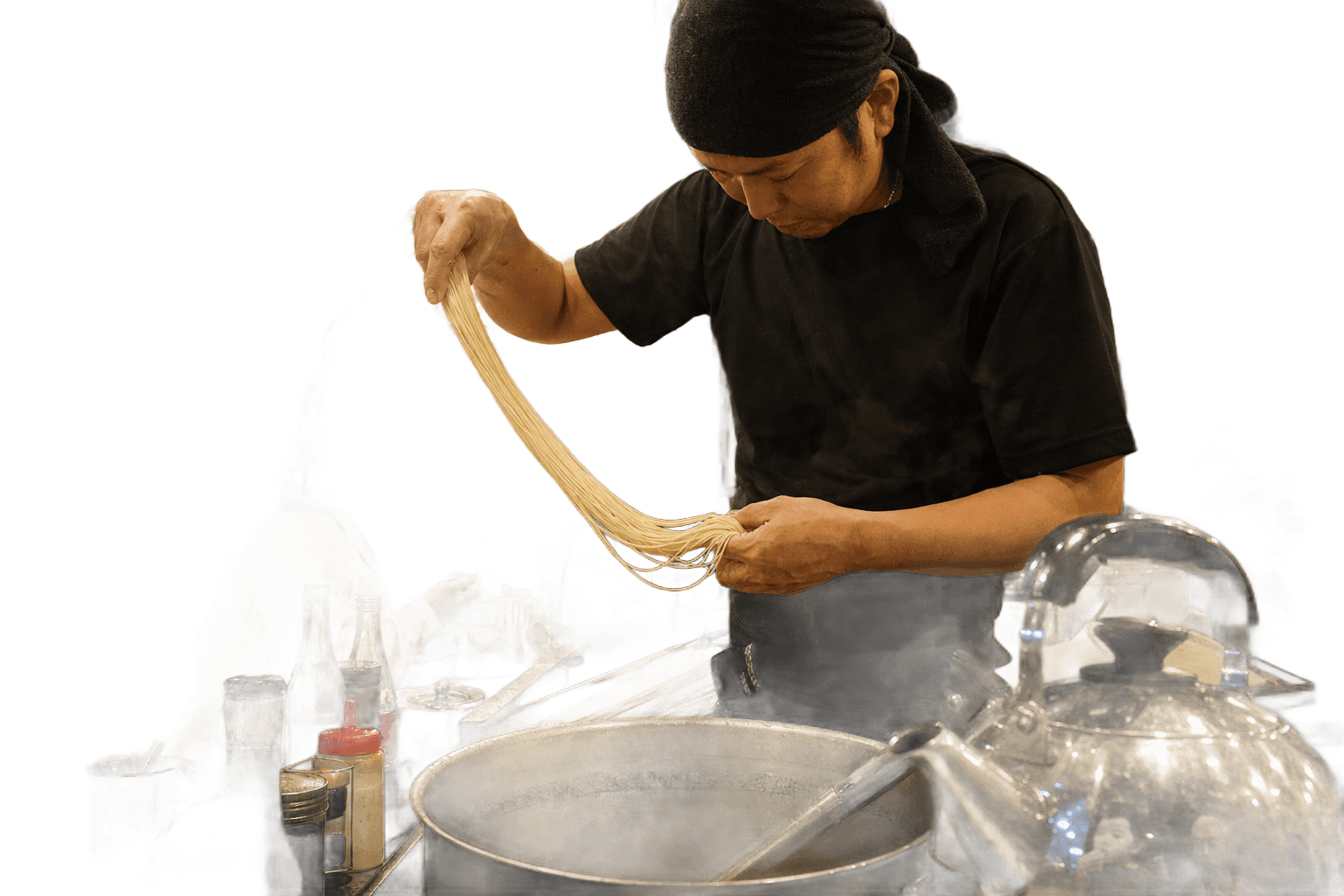
Original ramen product photo before background removal

After

Ramen product photo with its background removed

Photograph for edge separation

Use even light, keep the full item in frame, avoid motion blur, and choose a temporary backdrop that contrasts with the product. Leave space around the subject so the detector can distinguish the item boundary. Reflective packaging, glass, fur, mesh, and soft shadows need extra review.

Create the listing canvas afterward

Download the transparent PNG first, then place it on a separate canvas sized for the storefront or campaign. This makes it easier to control margins, product scale, background color, and alignment consistently across a catalog without altering the original photograph.

Check the marketplace, not a generic checklist

Amazon, eBay, Etsy, Shopify themes, ad networks, and social platforms can apply different rules for dimensions, background color, cropping, compression, and product coverage. Those requirements change. rmv-bg.com removes the background but does not certify that the resulting file complies with any marketplace.

Proof Points

Build one reusable product cutout

Keep the transparent subject separate from its final listing canvas. That gives you one source asset that can be placed on white, brand colors, lifestyle scenes, or seasonal campaign designs without repeating the cutout.

Reusable asset

Keep a transparent master cutout and build channel-specific listing images from copies.

One image at a time

The current browser tool does not batch-process a catalog or provide an ecommerce API.

Clean export

Download the PNG without an rmv-bg.com watermark or an account gate.

Questions

Product photo questions

Can I remove a product background for free?

Yes. Select one JPG, PNG, or WebP product photo, process it in the browser, and download the transparent PNG without creating an account or adding a watermark.

What product photos are difficult to cut out?

Clear or reflective packaging, fine chains, fur, mesh, motion blur, low-contrast edges, and shadows that blend into the product can confuse automatic segmentation.

Does the PNG automatically meet marketplace rules?

No. Check the destination’s latest requirements for canvas size, background, margins, product coverage, color mode, and file size before publishing.

Should I keep the original product photo?

Yes. Keep the untouched source and a transparent master PNG. That prevents repeated recompression and lets you create new crops or layouts later.